Supported Browsers
Chrome for Android and Safari for iOS are the two browsers we see work consistently. Firefox and Samsung Internet also load the lobby, though live-stream performance can vary.
xmaster44 runs a mobile-first account experience built for Bangladesh — open the site in your phone browser and your full lobby loads instantly, from live casino tables to the sportsbook.
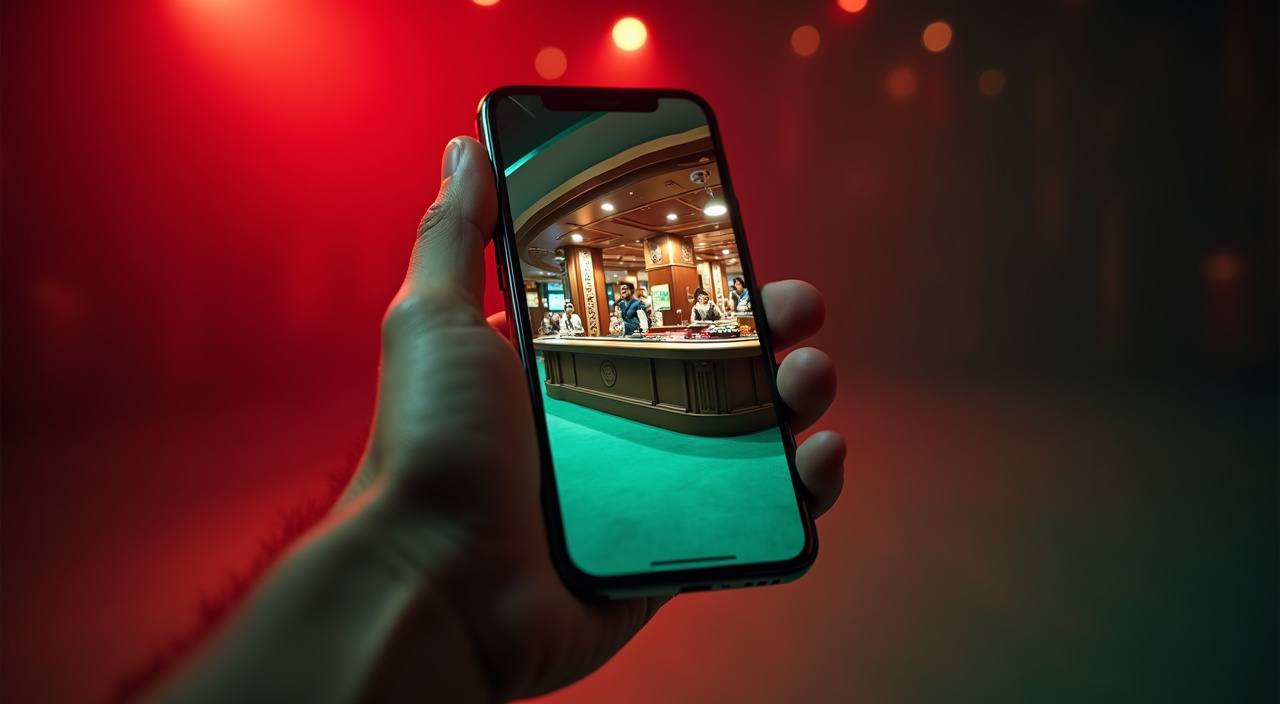
Before you sit down at a live table or open Aviator on mobile, it's worth confirming your device handles the lobby well. These five points cover what actually matters for smooth access on xmaster44.
Chrome for Android and Safari for iOS are the two browsers we see work consistently. Firefox and Samsung Internet also load the lobby, though live-stream performance can vary.
The lobby adapts to portrait and landscape. Live table games from Evolution and Pragmatic Play Live are optimised for landscape on screens above 5 inches.
You need a verified xmaster44 account to access real-money rooms. Account verification is done inside your profile settings — check the identity section.
Open xmaster44 in your current browser and let the lobby load fully. If tiles appear but streams buffer, try switching from mobile data to Wi-Fi.
We keep the compatibility list updated on the xmaster44 help page. Check there for the current build notes rather than relying on older device lists.

Open xmaster44 on your Android or iOS browser and you get the same lobby as desktop — live tables from Evolution, slots like Gates of Olympus and Aviator, and the full sportsbook for cricket, BPL matches and football. The mobile version keeps your betslip pinned so you can switch between a live Dragon Tiger table and a cricket match without losing your
place. Quick deposit prompts let you send via bKash, Nagad or Rocket without switching apps. Push notifications through your browser alert you when a match goes live or a table opens up. Fingerprint login cuts the sign-in step to under two seconds once your account is verified.

There is no separate APK file to download and no app-store listing to search for — xmaster44 runs directly in your mobile browser. Chrome on Android and Safari on iOS both work well. First, open xmaster44 in your browser and check that you are in a supported region where access is available under local law. Second, check your browser version is current
— an outdated browser can affect how live game streams load. Third, sign in with your account credentials; if biometric login is enabled on your device, approve the fingerprint prompt and your full lobby opens. Bookmarking the site to your home screen gives you one-tap access from that point forward.
The mobile experience on xmaster44 is shaped around speed and account control. These four features work together to keep you in the lobby and out of the settings menu.
These are the questions we see most from Bangladesh players about mobile access on xmaster44. Each answer reflects how the platform actually works today.
Service availability depends on eligible regions and local law. Users should check local rules before opening an account.
Access may be available only where local law permits.